Introduction
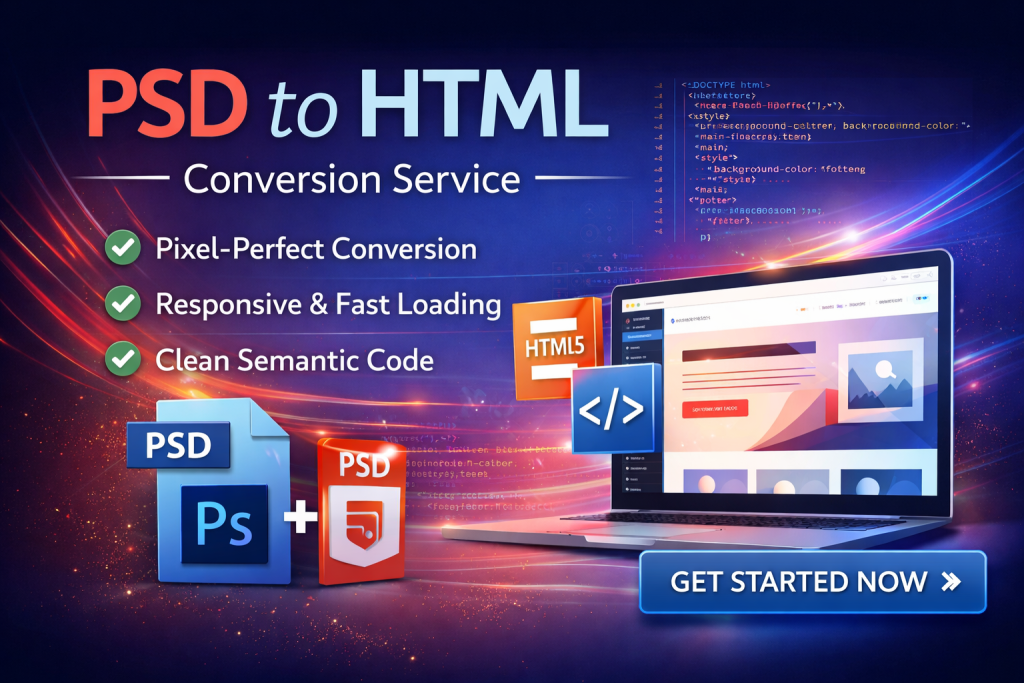
Figma has become one of the most popular design tools for modern UI/UX projects. However, a beautiful design alone is not enough — you need clean, responsive code to bring it to life.
That’s where a professional Figma to HTML conversion service plays a crucial role.
In this article, we’ll explore what Figma to HTML is, its benefits, and why it’s essential for building fast, scalable, and high-quality websites.
What is Figma to HTML?
Figma to HTML is the process of converting your Figma design files into fully functional HTML, CSS, and sometimes JavaScript code.
The goal is to transform static design layouts into responsive, browser-compatible web pages that can be integrated into any CMS or framework.
Why Figma to HTML Conversion Matters
🎯 1. Pixel-Perfect Accuracy
A professional conversion ensures that every detail of your design — spacing, typography, colors — is implemented exactly as intended.
📱 2. Fully Responsive Design
Your website will adapt seamlessly across all screen sizes, from mobile devices to large desktops.
⚡ 3. Fast Loading Performance
Clean and optimized code reduces load time, improving user experience and SEO rankings.
🔍 4. SEO-Friendly Structure
Semantic HTML and proper structure help search engines crawl and index your website effectively.
🌐 5. Cross-Browser Compatibility
Your website will function smoothly across all modern browsers like Chrome, Firefox, Safari, and Edge.
Our Figma to HTML Process
1. Design Review
We carefully analyze your Figma files, including layouts, components, fonts, and interactions.
2. HTML/CSS Coding
We convert your design into clean, semantic, and maintainable code using best practices.
3. Responsive Implementation
We ensure your website works perfectly on all devices using modern CSS techniques.
4. Testing & Optimization
We test across browsers and devices, optimizing performance and fixing any issues.
5. Delivery & Support
You receive production-ready code with optional ongoing support.
Key Features of Our Service
- Pixel-perfect Figma to HTML conversion
- Fully responsive (mobile-first approach)
- Clean, semantic, and well-structured code
- Cross-browser compatibility
- Fast loading & performance optimization
- Easy integration with WordPress, Shopify, or custom frameworks
- Developer-friendly and scalable code
Who Should Use Figma to HTML Services?
- Designers who need development support
- Startups launching a new product or website
- Agencies outsourcing frontend development
- Businesses upgrading their website design
Figma to HTML vs Page Builders
| Feature |
Figma to HTML |
Page Builders |
| Performance |
High |
Medium |
| Code Quality |
Clean |
Often bloated |
| Flexibility |
Unlimited |
Limited |
| SEO |
Strong |
Depends on tool |
Common Challenges (and How We Solve Them)
❌ Inconsistent layouts across devices
❌ Messy or unoptimized code
❌ Slow page speed
✅ We solve these with:
- Clean coding standards
- Responsive frameworks
- Performance optimization techniques
Why Choose Our Figma to HTML Service?
- Experienced frontend developers
- Attention to detail (pixel-perfect results)
- Fast turnaround time
- Affordable pricing for global clients
- Reliable communication
Conclusion
A professional Figma to HTML conversion service helps you turn your design into a fast, responsive, and production-ready website.
Whether you’re a startup, agency, or designer, investing in clean and high-quality code will save time, improve performance, and deliver a better user experience.
👉 Get Started Today
Looking to convert your Figma design into high-quality HTML?
Contact us today for a free quote and bring your design to life.