



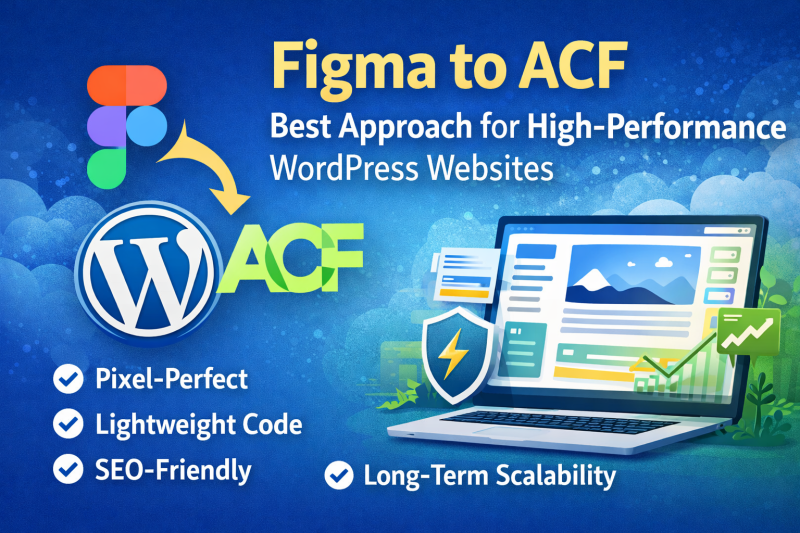
In modern web development, turning design into a fast, scalable, and maintainable website is crucial. While many developers rely on page builders, a growing number of professionals are choosing Figma to ACF (Advanced Custom Fields) as their preferred workflow.
But why is this approach gaining popularity?
Let’s explore the key advantages of using Figma to ACF for WordPress development.
What is Figma to ACF?
Figma to ACF is the process of converting a Figma design into a fully functional WordPress website using:
- Custom theme development
- Advanced Custom Fields (ACF) for dynamic content
- Clean, optimized code instead of heavy page builders
👉 The result: a lightweight, flexible, and high-performance website
1. Clean and Lightweight Code
One of the biggest advantages of using ACF is that it avoids unnecessary code bloat.
- No heavy builder scripts
- Minimal CSS and JavaScript
- Faster loading times
👉 This directly improves Core Web Vitals and SEO rankings.
2. Better Performance and Speed
Web performance is a key ranking factor in Google.
With Figma to ACF:
- Pages load significantly faster
- No dependency on bulky plugins
- Optimized asset loading
👉 Ideal for businesses that care about speed and user experience
3. Full Design Control (Pixel-Perfect)
Unlike page builders, ACF allows developers to fully control the front-end.
- Exact match with Figma design
- No layout limitations
- Custom animations and interactions
👉 You get a pixel-perfect website without compromise.
4. Flexible Content Management
ACF makes it easy for clients to manage content without breaking the design.
- Custom fields for each section
- Structured content editing
- Easy-to-use admin interface
👉 Clients can update content safely without touching code.
5. Scalable and Developer-Friendly
Figma to ACF is perfect for long-term projects.
- Easy to extend and maintain
- Clean code structure
- Ideal for large or complex websites
👉 Great for agencies and growing businesses.
6. SEO-Friendly Structure
Unlike page builders, ACF-based websites offer better SEO control.
- Clean HTML structure
- Faster loading speed
- Easy schema integration
👉 Helps improve rankings on search engines.
7. No Plugin Dependency Risk
Page builders often rely on multiple plugins.
With ACF:
- Fewer dependencies
- Less risk of conflicts
- More stable long-term performance
👉 Your website becomes more reliable and secure.
Figma to ACF vs Page Builders
| Feature | Figma to ACF | Page Builders |
|---|---|---|
| Performance | ⭐⭐⭐⭐⭐ | ⭐⭐⭐ |
| Flexibility | ⭐⭐⭐⭐⭐ | ⭐⭐⭐ |
| Ease of Use | ⭐⭐⭐ | ⭐⭐⭐⭐⭐ |
| SEO | ⭐⭐⭐⭐⭐ | ⭐⭐⭐ |
| Scalability | ⭐⭐⭐⭐⭐ | ⭐⭐⭐ |
👉 Conclusion: ACF is better for performance and scalability, while builders are easier for beginners.
When Should You Choose Figma to ACF?
Choose this approach if:
- You want a high-performance website
- You care about SEO and speed
- You need a custom design
- You are building a long-term scalable project
Final Thoughts
Figma to ACF is not just a development method—it’s a professional standard for building modern WordPress websites.
While it may require more technical expertise, the benefits in performance, flexibility, and scalability make it the best choice for serious projects.
Need a Figma to ACF Expert?
At Vietito, we specialize in converting Figma designs into high-quality WordPress websites using ACF.
✅ Pixel-perfect development
✅ Clean and optimized code
✅ SEO-friendly structure
👉 Visit: https://vietito.com